Tap Tempo Guide for Guitarists
Tap Tempo Guide for Guitarists: clear guitar guide with practical examples, common mistakes, and Chords.me practice tools.
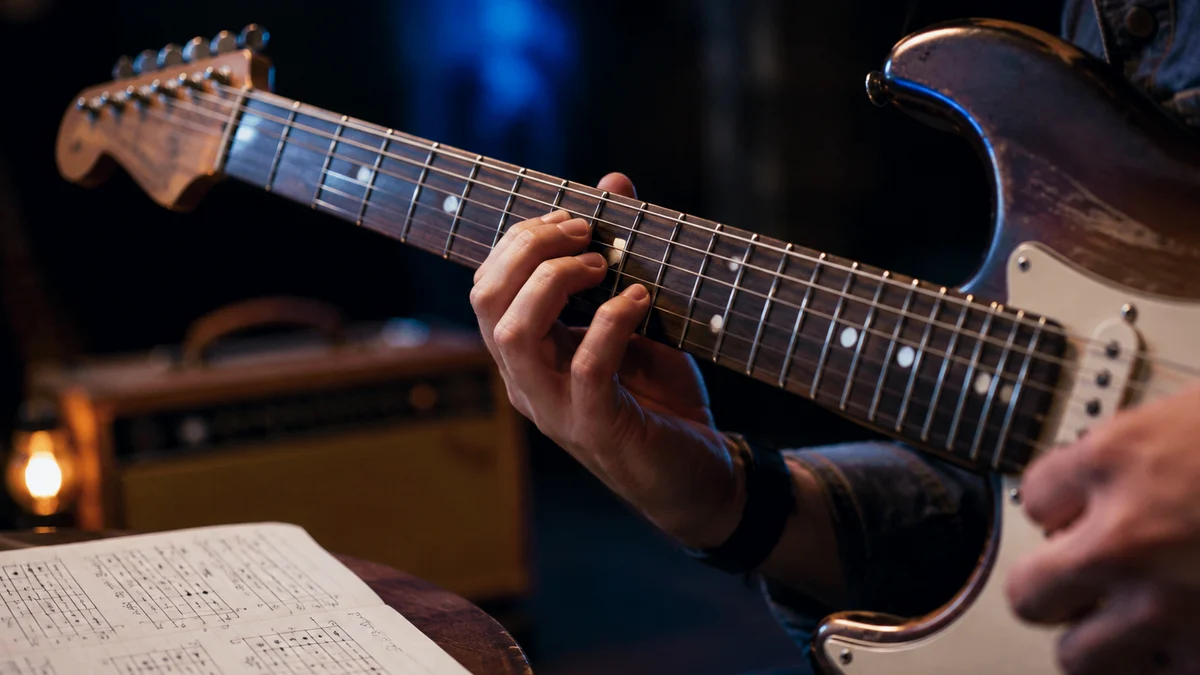
Imagine sitting down to practice a classic song. You turn on your favorite delay pedal, dial in a setting that sounds close to the record, and start strumming. Within three measures, your guitar signals are clashing with the rhythm. The echoes are bouncing all over the place, fighting against your strumming pattern.
The issue is not your guitar technique or your instrument's tone. The issue is a mismatch in timing.
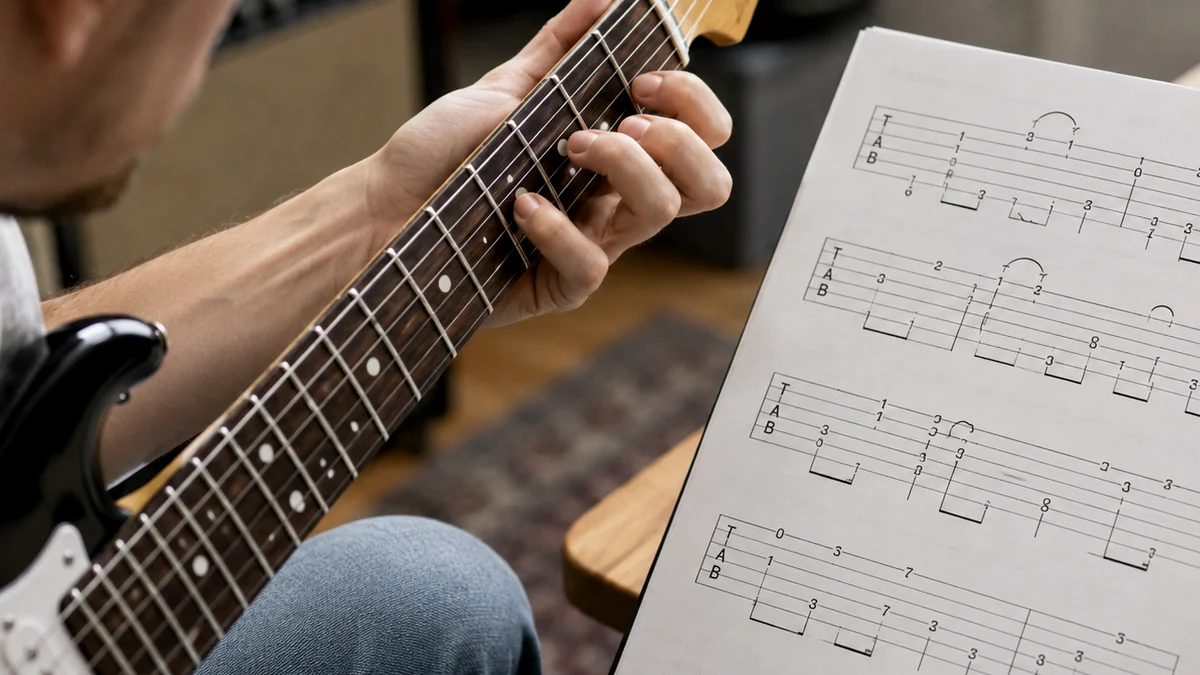
For guitarists, timing is the invisible thread that holds a performance together. While we spend hours obsessing over scale shapes, chord transitions, and gear, we often overlook the fundamental element of time.
Learning how to sync your playing with a specific tempo is a vital skill. This is where tap tempo becomes an essential tool in your musical toolkit.
What is Tap Tempo?
Tap tempo is a digital or mechanical feature that calculates the speed of a piece of music based on a series of manual taps. Instead of typing in a numerical value or turning a dial to find a specific speed, you tap a button, pedal, or screen in time with the music. The device measures the time interval between your taps and translates it into Beats Per Minute (BPM).
How to Use Tap Tempo Correctly
- Listen to the beat: Find the underlying pulse or kick drum of the music.
- Tap consistently: Tap your foot, finger, or pedal switch on every single downbeat (beats 1, 2, 3, and 4).
- Keep tapping: Tap at least four to eight times consecutively to allow the sensor to calculate an accurate average.
- Lock in the groove: Begin playing your guitar once the device or pedal has registered the correct tempo.
Why Rhythm and Tempo Matter for Guitarists
When we first pick up the guitar, our primary goals are usually physical. We want to make our fingers move to the right frets without buzzing. We want to switch from a G major chord to a C major chord smoothly.
However, music does not exist in a vacuum; it exists in time. A perfectly fretted chord played half a second too late sounds like a mistake. A slightly buzzed chord played exactly on the beat still carries the groove.
Tempo is measured in Beats Per Minute (BPM). If a song is set to 120 BPM, there are exactly 120 beats in one minute, or two beats every second.
As a guitarist, you must align your physical movements with this rhythmic grid. Developing this alignment is called timing practice.
Many beginners wonder: is tap tempo good for beginners? The answer is a resounding yes.
When you use a standard metronome, you are forced to conform to a pre-set digital click. While metronome practice is essential for building accuracy, it can feel rigid and intimidating.
Tap tempo, on the other hand, is an active process. It requires you to listen to a piece of music, internalize the rhythm, and physically express that rhythm through tapping. This active engagement helps build your internal clock far faster than passive listening.
When you learn how to use tap tempo, you gain the ability to quickly analyze any song you hear. You can identify its speed, set up your practice tools, and configure your effects pedals to match the song perfectly. It bridges the gap between the music in your head and the gear on your pedalboard.
How to Learn Tap Tempo Step by Step
Learning how to tap tempo accurately is a physical skill, much like learning how to alternate pick or play a barre chord. It requires coordination between your ears, your brain, and your muscles.
Here is a step-by-step method to master tap tempo for beginners.
Step 1: Isolate the Pulse
Before you touch a button or a pedal, you must hear the pulse of the music. Put on a song with a clear, simple beat. A classic rock song or a pop track is ideal for this.
Listen for the drums. Usually, the kick drum plays on beats one and three, while the snare drum cracks on beats two and four.
Close your eyes and nod your head to the music. Do not worry about the guitar riffs or the vocals. Focus entirely on that steady, repetitive pulse.
Step 2: Physical Foot Tapping
Once you feel the pulse, translate it to your foot. Tap your foot on the floor. Keep your heel on the ground and bounce the ball of your foot, or keep your toe down and bounce your heel.
Whichever method you choose, make sure it is relaxed. Tension in your ankle or calf will cause you to speed up or slow down.
Practice tapping your foot along with the entire song. If you lose the beat during a guitar solo or a quiet bridge, stop, listen for the kick drum, and start tapping again.
Step 3: Use a Digital Tap Tempo Tool
Now it is time to translate that physical movement into a digital reading. Open a digital tool like the Chords.me Tap BPM finder.
Using your mouse, spacebar, or phone screen, tap along with your foot. Try to make your physical tap on the screen land at the exact microsecond your foot hits the floor.
Watch the screen as the BPM number stabilizes. If your taps are uneven, you will see the BPM jump wildly (e.g., 115, 128, 110, 122). Your goal is to keep the number steady, with only minor fluctuations of one or two BPM.
Step 4: Verify with a Metronome
Once you have tapped out a tempo and have a BPM number, test yourself. Set a standard metronome to that exact BPM.
Play along with the metronome click. Does it match the speed of the song you were just listening to?
If the click feels too fast or too slow, your tapping was likely off. Reset the metronome, go back to the song, and try again.
With practice, your tapped tempo will consistently land within one or two BPM of the actual song speed.
Tap Tempo on Your Gear: Pedals, Amps, and Software
For rhythm practice, connect this lesson with What Is BPM? A Beginner’s Guide to Beats Per Minute in Music so your picking hand, timing, and song feel improve together.
Once you understand how to find a tempo manually, you can apply this skill to your guitar gear. Modern guitar equipment is packed with tap tempo features made to make your tone sound cohesive and professional.
Delay Pedals
Delay is the most common effects pedal that utilizes tap tempo. A delay pedal takes your guitar signal, records it, and plays it back a split second later, creating an echo.
If your delay echoes do not match the tempo of the song, the repeats will clash with your playing. This creates a cluttered, muddy sound.
Most modern delay pedals have a dedicated "Tap" footswitch. By tapping this switch in time with your drummer or the backing track, you tell the pedal exactly how long to wait before repeating your notes.
Many delay pedals also feature subdivision settings. This allows you to tap quarter notes, but have the pedal output eighth notes, triplets, or dotted-eighth notes.
The dotted-eighth delay is famous for creating the rhythmic, cascading sound used by guitarists like The Edge of U2. To get this sound, you tap the tempo of the song's main beat, and the pedal automatically calculates the complex rhythmic spacing for you.
Modulation Pedals
Tremolo, phaser, flanger, and chorus pedals also benefit from tap tempo.
A tremolo pedal rapidly raises and lowers your volume. If the volume drops align perfectly with the beat of the song, the effect sounds hypnotic and intentional. If the tremolo speed is slightly off, the effect can feel disorienting and messy.
Tapping the tempo on a tremolo pedal ensures that the volume swells match the groove of the rhythm section.
Multi-Effects and Modeling Amps
If you use a multi-effects processor (like a Line 6 Helix, Boss GT-1000, or Fractal Audio unit) or a modeling amplifier, you likely have a global tap tempo feature.
This means you can tap a single footswitch on your controller, and every time-based effect in your preset—your delay, tremolo, and phaser—will instantly sync to that exact speed.
This is incredibly useful for live performances. If your drummer starts a song slightly faster than the studio version, you can simply tap the footswitch a few times during the intro, and your entire rig will adapt to the new speed.
Digital Audio Workstations (DAWs)
If you record your guitar at home using a computer, you will use a Digital Audio Workstation like Reaper, Logic Pro, Ableton Live, or Pro Tools.
All of these programs feature a tap tempo button. If you have a rough idea for a guitar riff but do not know the exact BPM, you can play the riff in your head, tap the project tempo button on your keyboard, and the DAW will set the project grid to match your performance.
This allows you to record your ideas along with a click track that feels natural, rather than trying to force your creative ideas into an arbitrary default tempo like 120 BPM.
Practical Exercises to Build Your Timing and Tap Accuracy
Like any physical guitar technique, your timing requires structured practice to improve. You cannot expect to tap perfectly on stage if you have never practiced the skill at home.
Here are three practical exercises made to build your rhythm, accuracy, and muscle memory.
Exercise 1: The Metronome Match
This exercise helps you calibrate your physical tapping with an absolute digital source.
- Set a metronome to a slow, steady tempo, such as 80 BPM.
- Close your eyes and listen to the click for four bars.
- Begin tapping your foot on every click.
- While keeping your foot moving, use your hand to tap the tempo on a digital tap tempo tool.
- Look at the screen. Is the tool registering exactly 80 BPM?
- If the screen reads 82 or 78, adjust your physical tap until you can hold the digital reading at exactly 80 BPM for thirty seconds.
- Repeat this exercise at different speeds: 60 BPM (which requires great patience), 120 BPM, and 160 BPM.
Exercise 2: The Song BPM Detective
This exercise connects your tapping skills to real-world music.
- Open your music streaming service and play a random song from a genre you enjoy.
- Do not look up the BPM of the song.
- Listen to the track, find the pulse, and tap along on your desk or foot.
- Use a tap tempo finder to calculate the BPM based on your physical taps.
- Write down your estimated BPM.
- Look up the official BPM of the song online.
- Compare your estimate to the official tempo. Your goal is to get within two BPM of the actual track.
- Do this with three different songs every day as a quick warm-up.
Exercise 3: The Gap Test
This advanced exercise builds your internal clock and helps prevent rushing or dragging.
- Start a metronome at 100 BPM.
- Tap along with your foot and hand to lock in the tempo.
- Mute the metronome volume, but keep tapping at the exact same speed.
- Count to ten in your head while tapping in silence.
- Unmute the metronome.
- Are your taps still aligned with the metronome clicks, or did you speed up or slow down during the silence?
- Most guitarists tend to speed up when the click disappears. Practice keeping your body relaxed to maintain a steady tempo during the silent gaps.
| Skill | Practice Method | Time Needed | Common Mistake |
|---|---|---|---|
| Pulse Identification | Listen to diverse genres and tap your foot to the kick/snare. | 5 minutes daily | Tapping to the vocal melody instead of the beat. |
| Tap Consistency | Match a digital metronome using a tap tempo finder. | 5 minutes daily | Tapping with tension in the ankle or wrist. |
| Internal Clock | The Gap Test (muting the metronome for several bars). | 10 minutes daily | Rushing during the silent intervals. |
| Pedal Synchronization | Set delay subdivisions while playing simple chord progressions. | 10 minutes daily | Forgetting to tap when the live band tempo shifts. |
Tap Tempo Mistakes Beginners Make (And How to Fix Them)
When learning how to use tap tempo, it is easy to fall into bad habits. These mistakes can lead to inaccurate timing, muddy guitar tones, and frustration during band rehearsals.
By identifying these common tap tempo mistakes beginners make, you can correct them before they become hardwired into your muscle memory.
Mistake 1: Tapping Only Two Times
Many beginners tap a button or pedal twice and assume the device has enough information to calculate the tempo.
While mathematically two taps define a single interval, human error makes a two-tap calculation highly inaccurate. If your second tap is even slightly early or late, the calculated BPM will be completely wrong.
- The Fix: Always tap at least four to eight times. This gives the digital processor a larger sample size to average out your minor human variations, resulting in a much more accurate BPM reading.
Mistake 2: Tapping the Melody Instead of the Pulse
When we listen to a song, our ears are naturally drawn to the vocal melody or the guitar riff.
Beginners often make the mistake of tapping their foot or pedal in time with the rhythm of the notes being played, rather than the underlying pulse of the song.
For example, if a guitar riff plays a rapid pattern of eighth notes, a beginner might try to tap that rapid pattern.
- The Fix: Remember that tempo is always based on the quarter-note pulse (the downbeats). Ignore the fast notes, the vocal phrasing, and the drum fills. Focus solely on the steady "one, two, three, four" count of the music.
Mistake 3: Tapping with Physical Tension
If you are nervous or focused too intensely on your timing, your body will naturally tense up.
Tensing your leg, foot, hand, or finger makes it impossible to tap smoothly. Tension leads to micro-spasms in your muscles, which causes your tapping to become erratic, jerky, and usually too fast.
- The Fix: Take a deep breath before you start tapping. Keep your ankle loose. If you are using a hand-held device, tap gently with the pad of your finger rather than stabbing at the screen. If you are using a pedal, press the switch with a controlled, relaxed motion of your ankle, not by stomping your entire leg down.
Mistake 4: Stopping the Tap When Playing Begins
A very common issue for beginner guitarists is the "disconnect" between tapping and playing.
A student will tap their foot perfectly to set the tempo, but the moment they start strumming a chord progression, their foot stops moving.
Once the physical anchor of the foot tap is gone, their playing speed begins to drift.
- The Fix: Practice separating your foot movement from your hand movement. Start tapping your foot, and let it run like a motor.
- Once your foot is locked into the rhythm, slowly introduce simple, single-note strums on your guitar on beat one of each measure.
- Gradually increase the complexity of your strumming pattern, but never allow your foot to stop moving. Your foot is your personal, physical connection to the beat.
Integrating Tap Tempo into Daily Guitar Practice
To get the most out of your timing practice, you should integrate tap tempo tools into your daily routine. You do not need to dedicate hours to this; just ten minutes of focused rhythm work at the start of your practice session will yield strong results over time.
The 10-Minute Rhythm Warm-Up
Start your practice session by choosing a song you want to learn. Before you look up the tabs or try to play the chords, use a tap tempo tool to find the BPM.
Once you have the BPM, set your metronome or drum loop to that speed.
Spend five minutes playing basic scale patterns or simple chord changes along with that beat. This primes your brain and muscles to think in terms of steady time before you begin working on complex techniques.
Using the Chords.me Tool Suite
When you are practicing, having the right tools close at hand makes a strong difference.
The Chords.me suite offers a range of practical online music tools made to streamline your practice.
If you are working on a song, you can use the chord transposer to find the best key for your vocal range, calculate the correct fret for your capo with the capo calculator, and tune your instrument with the guitar tuner.
When it is time to work on your timing, open the tap BPM finder to quickly establish your practice tempo.
By keeping these tools open on your phone or computer during your practice sessions, you can quickly transition from tuning to transposing, and then straight into rhythm practice without losing your creative momentum.
Developing Your Internal Metronome
Complete goal of using tap tempo and practicing with a metronome is to develop your own internal sense of time.
Professional musicians do not rely on a click track because they have to; they rely on it to calibrate their own internal clock.
When you consistently practice tapping your foot, verifying your tempos, and playing along with a steady pulse, you train your brain to feel subdivisions of time naturally.
Eventually, you will not need to think about staying in time. You will feel the groove instinctively, allowing you to focus entirely on the emotion, tone, and expression of your guitar performance.
Developing great timing is one of the most rewarding journeys you can take as a guitarist. It transforms your playing from a collection of notes into a cohesive, driving musical force that commands attention.
By mastering the simple physical skill of tap tempo, you gain control over your gear, your practice routine, and your overall musicality.
Keep your ankle relaxed, keep your ears open to the heartbeat of the music, and make timing practice a natural part of your daily guitar routine.
Related Chords.me Guides
For the next step, read Major vs Minor Keys: Guitar Guide, Blues Scale Guitar Guide: Beginner Practice Guide, and Major Scale Guitar Guide: Beginner Practice Guide before moving on. You can also test the same idea in another key and keep practice timing steady with the tap tempo tool while practicing this lesson.
Practice This With Chords.me
Use the Tap Tempo to keep the exercise slow, steady, and repeatable. Focus on clean notes and steady timing before increasing speed.
Frequently Asked Questions
What is Tap Tempo for Guitarists?
Tap Tempo for Guitarists is a guitar-learning topic that helps players build a clearer connection between technique, sound, and practice. For beginners, the most useful approach is to learn the basic idea first, then apply it slowly on a tuned guitar.
Is tap tempo for guitarists hard for beginners?
It can feel difficult at first, but it becomes manageable when you break it into small steps. Focus on clean notes, relaxed hands, and short practice sessions instead of trying to master everything in one day.
What should I practice first for tap tempo for guitarists?
Start with the simplest version of the idea: one chord, one pattern, one short exercise, or one small section of the fretboard. Once that feels stable, add timing, transitions, or a second example.
What common mistakes should I avoid?
Avoid rushing, pressing harder than necessary, ignoring tuning, and practicing mistakes at full speed. Slow, accurate repetitions usually fix beginner problems faster than long unfocused practice sessions.
Which Chords.me tool helps with this topic?
The Tap Tempo is the best supporting tool here because it helps with keeping rhythm steady and checking practice tempo. Use it before or during practice so the article’s examples translate into real playing more easily.
About the Contributor
Chords.me Practice Tools Desk Practice workflow and music tools contributor
A brand contributor profile for Chords.me practice-tool guides. This desk focuses on timing, BPM, chord sheets, transposition, capo use, and ways to turn practice notes into usable playing routines. Content is checked for practical clarity, beginner readability, and accurate links to relevant Chords.me tools.